 Instagram
 Messenger
 WhatsApp
 Telegram
 LINE
 Xessenger
 Gmail

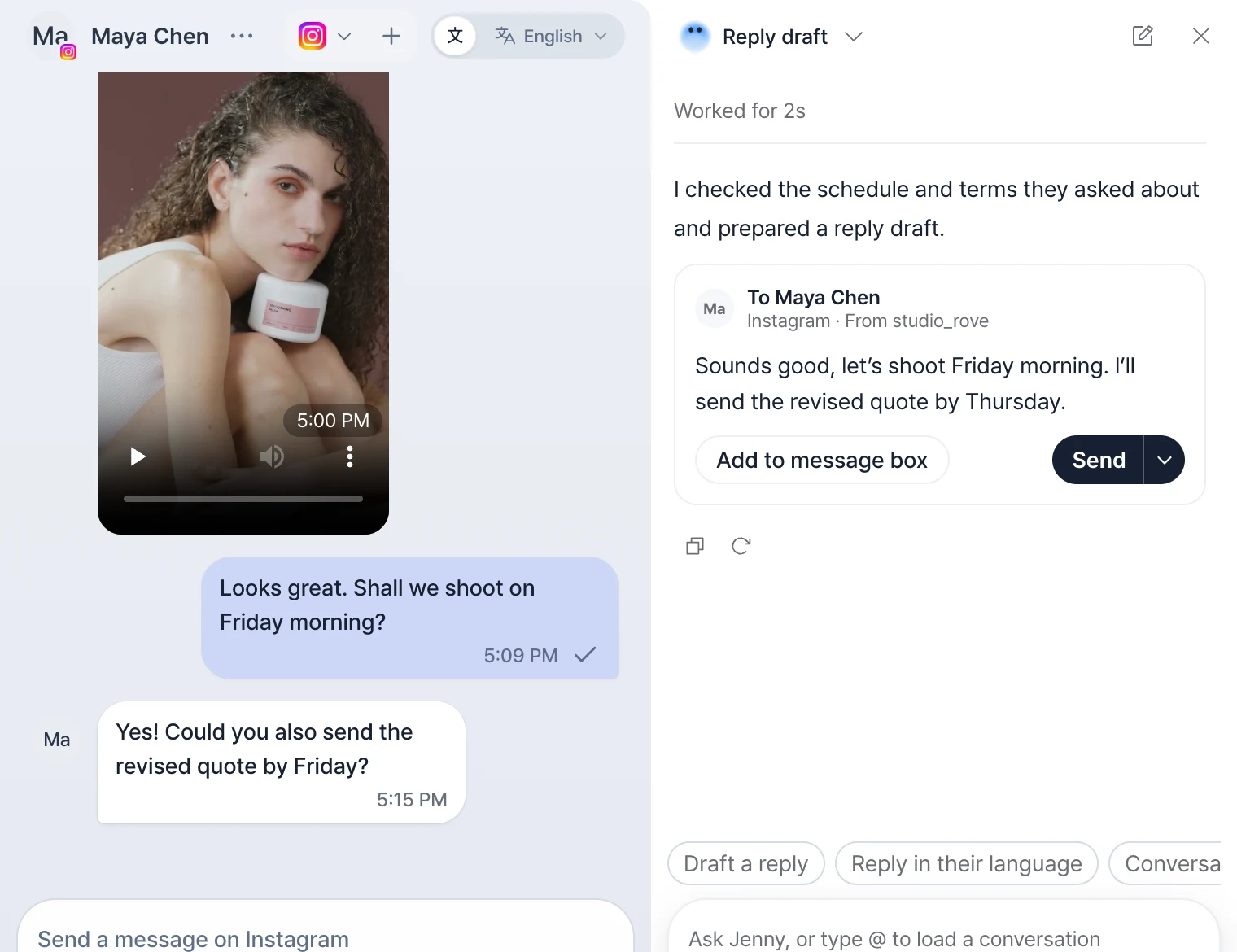
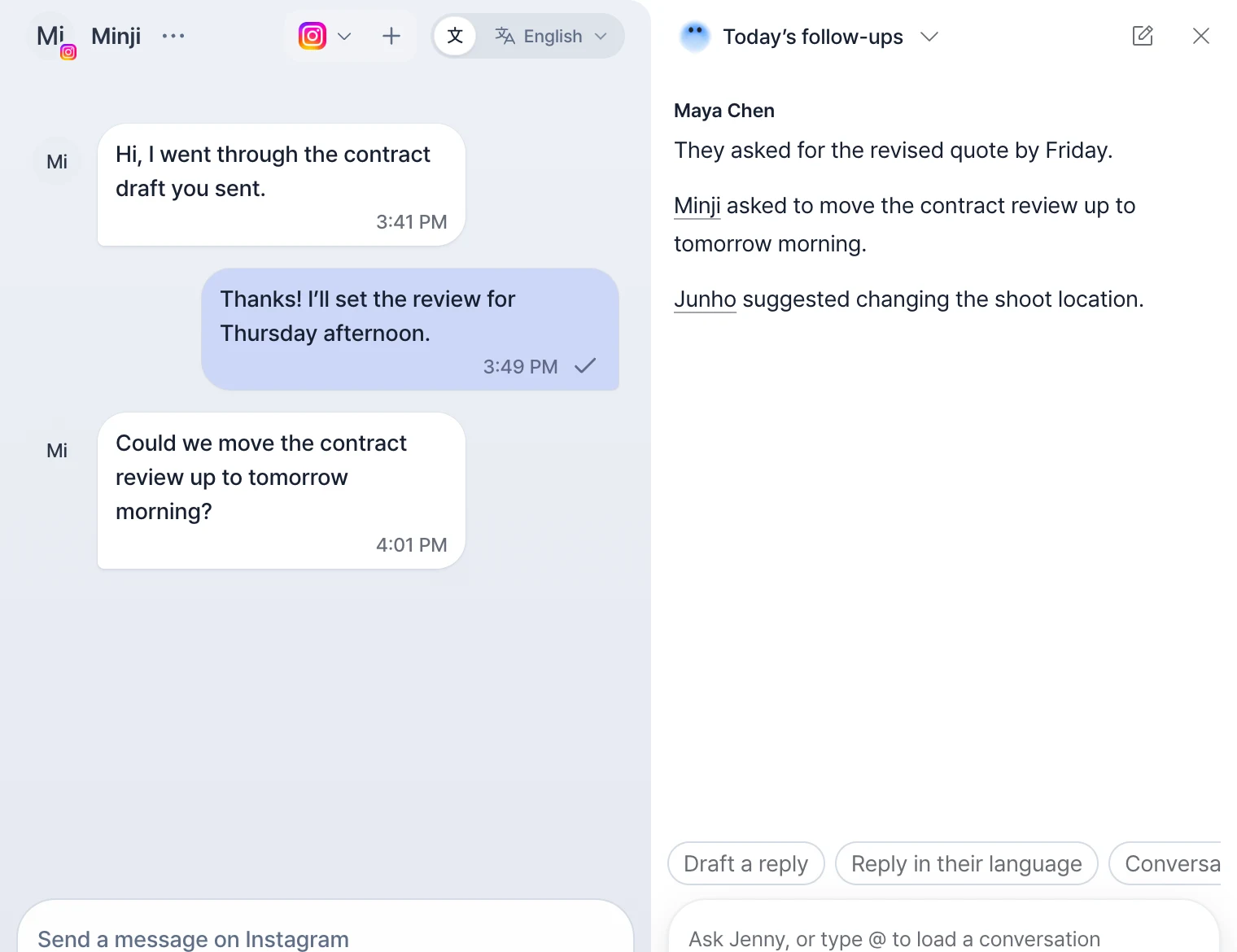
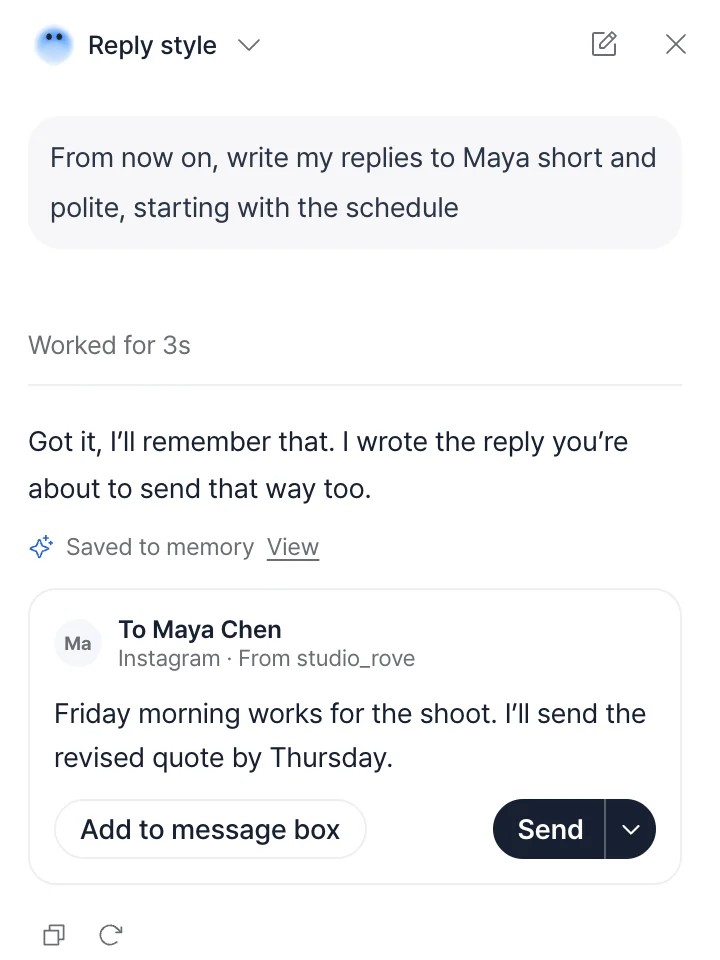
Remembers your way
Tell Jenny your tone or how you like to work, and she applies it to later replies and requests. Review and delete saved memories in Settings.
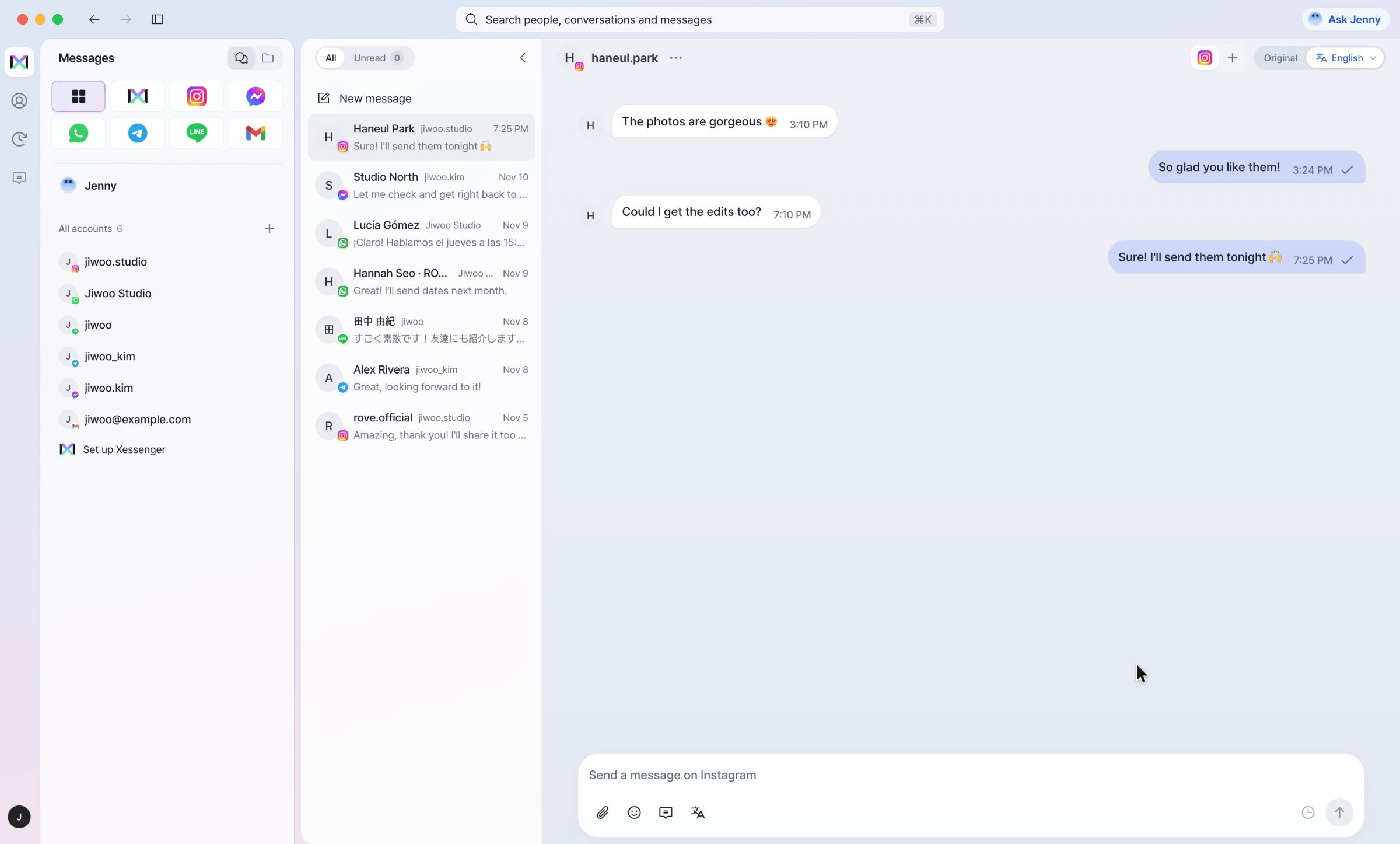
Connect
Jenny, your AI assistant
Jenny is an AI assistant that sees the conversations across every messenger you connect. Find and summarize conversations, understand photos, videos and voice messages, and start from reply drafts in the right tone. Jenny flags follow-ups in new messages first. Messages are sent or scheduled only after you approve them, and Jenny also works with synced Gmail, Drive files you choose, Sheets and apps like Notion.
“Summarize this video”
Photos, videos and voice messages, explained.
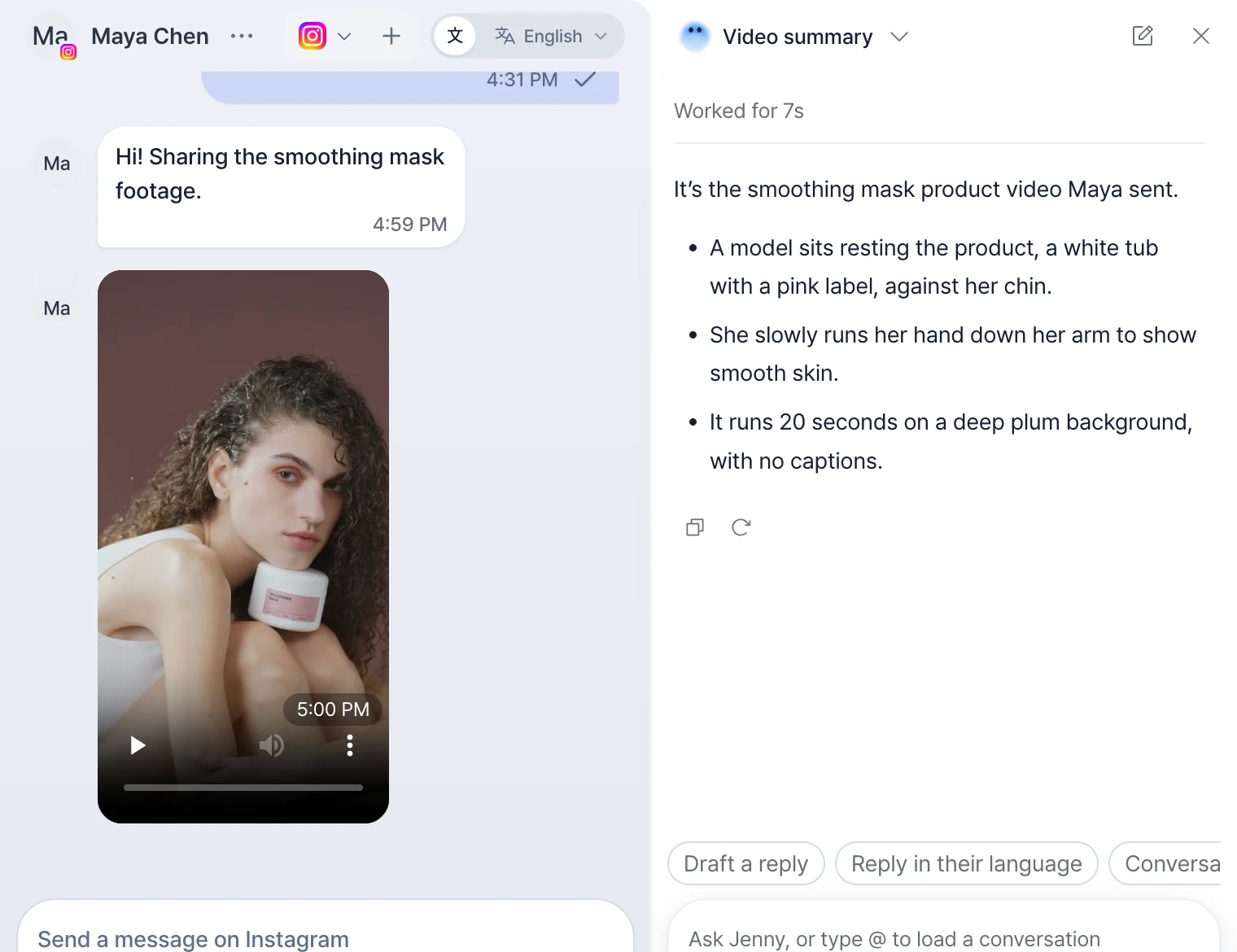
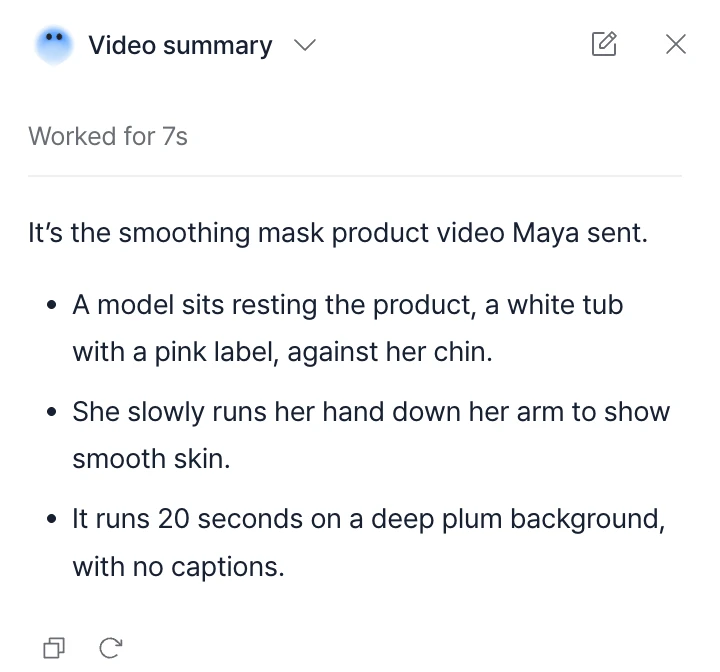
Summarize this video
Photos, videos and voice messages, explained.
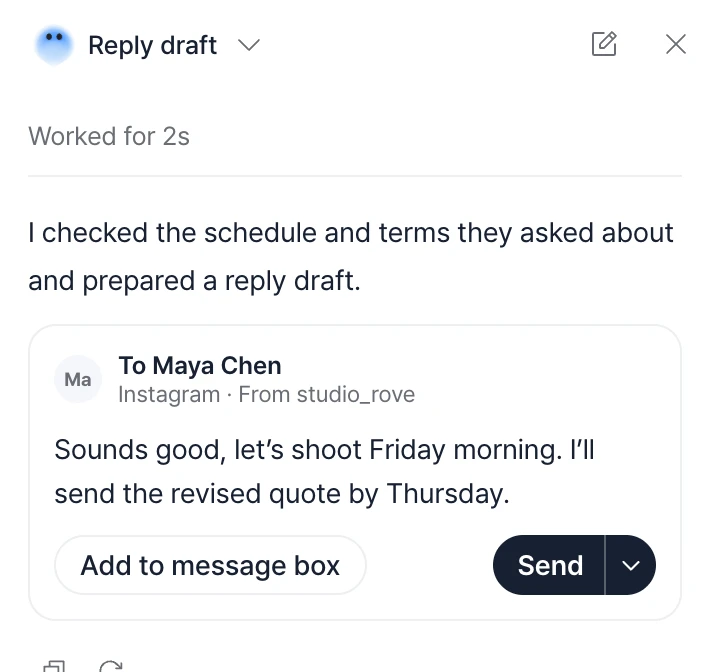
Draft a reply to send
Sent or scheduled only after you approve.
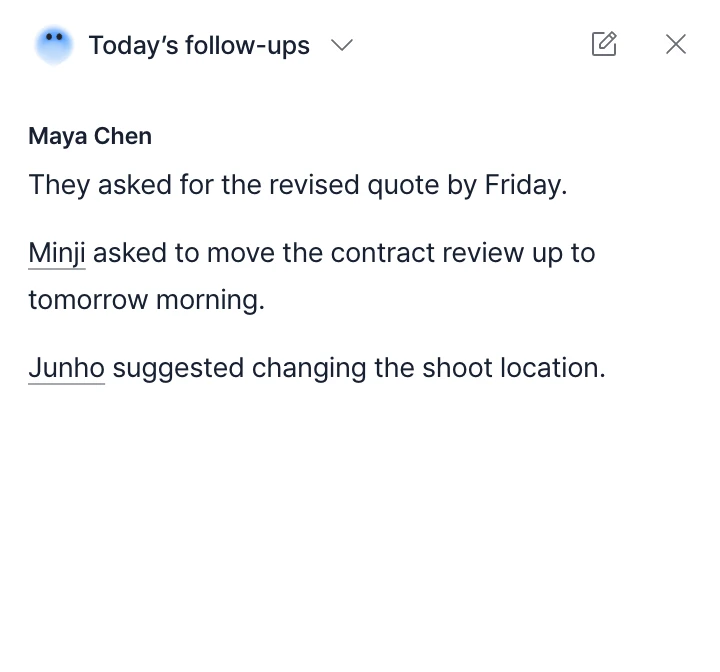
Anything I should follow up on today?
Easy-to-miss follow-ups, found first.
She remembers how you work, repeats what you schedule, and carries tasks into your work apps.
Tell Jenny your tone or how you like to work, and she applies it to later replies and requests. Review and delete saved memories in Settings.
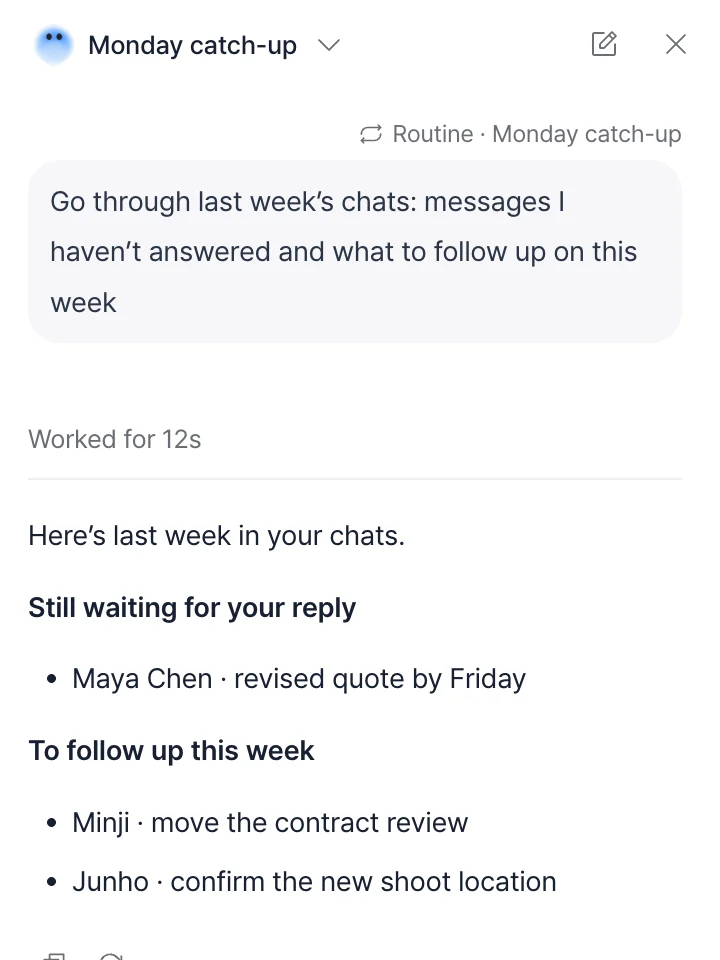
Pick daily, weekdays, chosen days of the week or a day each month, and Jenny does the same work at that time. A run missed while the app was closed happens once when you reopen it, and you can also set a one-time reminder.
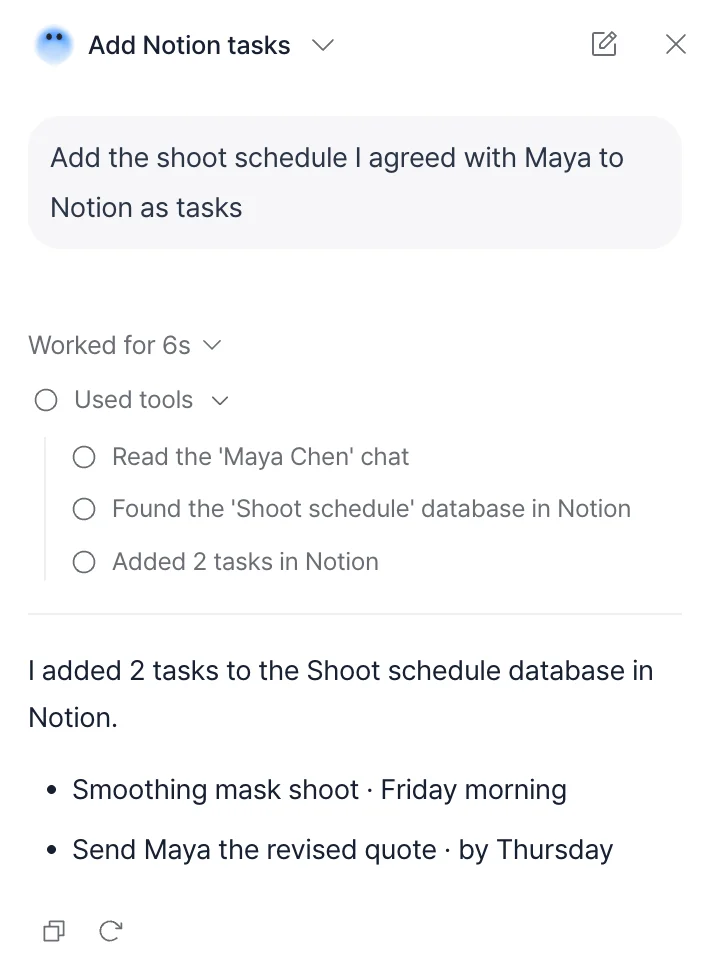
Jenny puts what you agreed in a chat into connected apps like Notion. She can also look through synced Gmail and Drive files you chose.
Use cases
From catching up with friends to customer questions and projects. Keep conversations from your messengers and Gmail in one place, and let translation and Jenny help with replies and next steps.
Security & privacy
Recent chats saved by the app are encrypted, with the key kept in macOS Keychain or Windows data protection. Messenger sign-ins, Gmail app passwords and attachments are stored encrypted too.
Personal and work conversations are marked by account in the list and in each chat. Signing out clears the chat cache on your device.
Conversation content goes to your chosen AI service only when you use AI features like translation or Jenny. Messages are sent or scheduled only after you confirm.
Questions